
Communications
Keep messages in context.
Connect SMS, email, chat and phone communications with the patient record, so your team can see the conversation alongside the work.
Patient Intake & Onboarding
Collect forms and consent, support self-scheduling, and route the next task to your team. Give patients one clear path into care.
Try the interactive workspace, then book a conversation with our team.
For leaders at digital health companies, virtual clinics and growing care teams.
Connect the information patients provide with the review, outreach and scheduling steps that follow. Give your team a clear way to act on completed intake and follow up on what is missing.
Keep patient forms, communications and next steps in context. Review how your intake process can connect to your clinical system and patient experience.
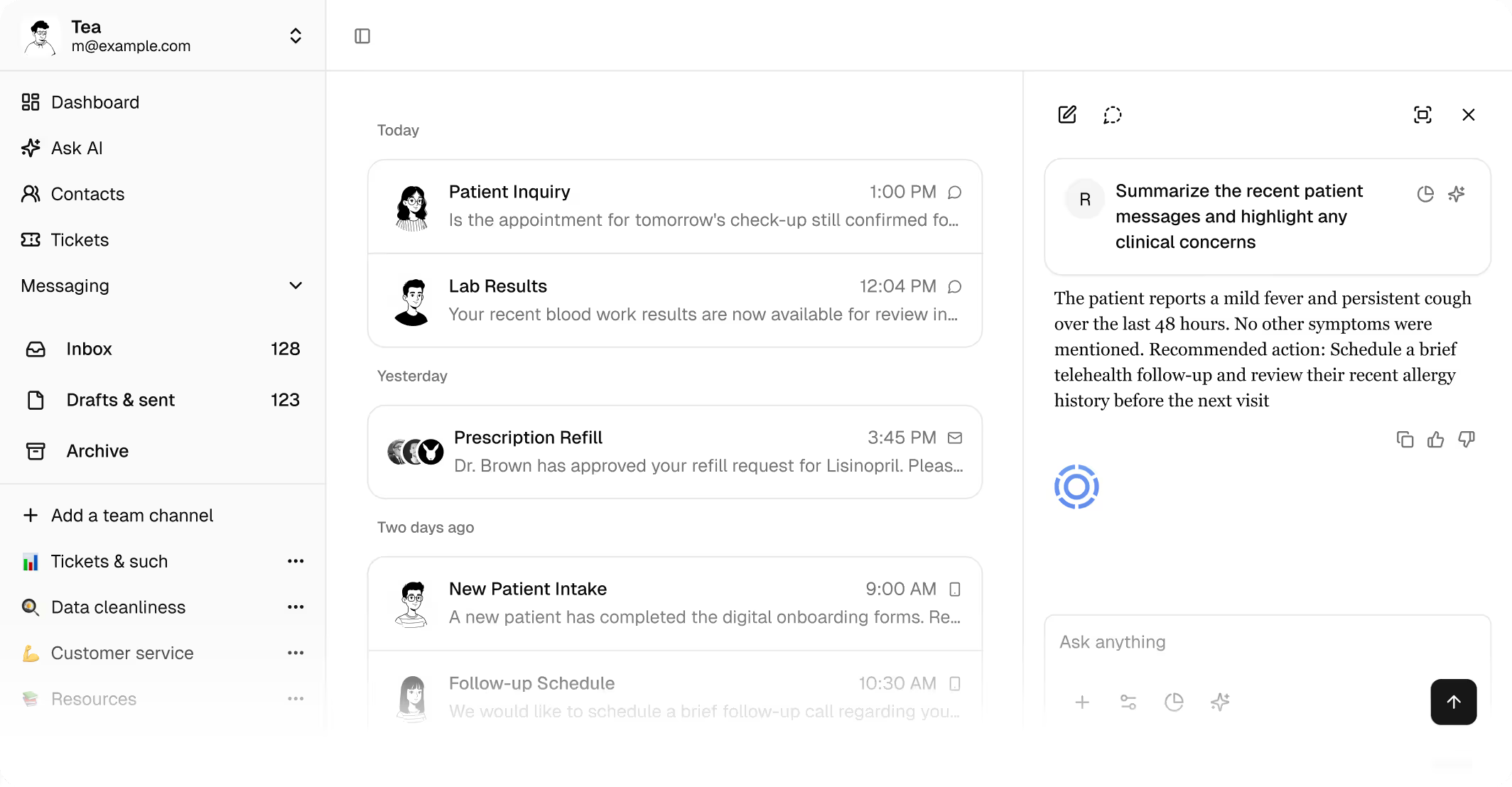
Connect SMS, email, chat and phone communications with the patient record, so your team can see the conversation alongside the work.
Bring forms, scheduling and patient information into the same operational process. Help patients move from providing information to choosing an appointment.
Use no-code workflows to connect outreach, assigned tasks and patient stages. Give recurring processes a structure your operations team can manage.
Optional · Two quick choices
Choose your role and priority to put together a focused agenda. No contact details needed.
For digital health companies, virtual care clinics and growing care teams, the work extends beyond a visit. Connect the patient-facing experience with the operational steps behind it.
Request a demoA white-label patient portal supports a connected place for patient forms, communication and scheduling.
Support telemedicine alongside the intake, patient communication and follow-up surrounding the appointment.
Use configurable workflows and an API-first platform to shape patient operations around your team and service.
Start with the operational problem and the systems you already use. A focused demo can show the fit and make the setup requirements clear.
Review the relevant product capabilities before your conversation.
Explore patient onboarding automationCheck the connector, data direction and implementation work for your exact stack.
Explore integrationsBring procurement questions into the conversation and review Tellescope’s published security materials.
Visit the trust centerUse a demo to review your patient journey, team responsibilities and existing tools. Implementation timing and scope depend on the workflows, integrations and migration involved.
Review Tellescope’s security and compliance materials, including its HIPAA and SOC 2 information.
Visit the trust centerReview the components for your team and use case.
An implementation fee covers the agreed setup scope.
Pricing can be based on users or patients, depending on the model.
Pass-through usage costs are part of the commercial discussion.
Tellescope serves digital health companies, virtual care clinics and growing healthcare teams that need to connect patient communications and operational workflows. A demo can establish whether its scope fits your service, team and needs.
Start with the operational work around your clinical record. Tellescope can be discussed as part of an existing stack; confirm the precise EHR connection, data requirements and implementation effort for your use case.
Tellescope offers no-code workflow configuration. Review the specific triggers, actions, permissions and integrations you need in a demo, including which work your team can manage and which setup needs technical support.
Timing depends on your workflow, integrations, migration and rollout scope. Review those requirements with Tellescope before committing to an implementation timeline.
You’ll open Tellescope’s existing demo request page and provide your details there. This page does not submit a request or reserve a meeting. You can copy your starting-point agenda to use in the conversation; your answers are not automatically added to the demo request form.
No. This preview asks about operational priorities, not patient details. Your agenda resets when you refresh. Copy your agenda if you want to keep it.